



U-Recover: Create Previous File Versions on Windows 10 and Windows 11
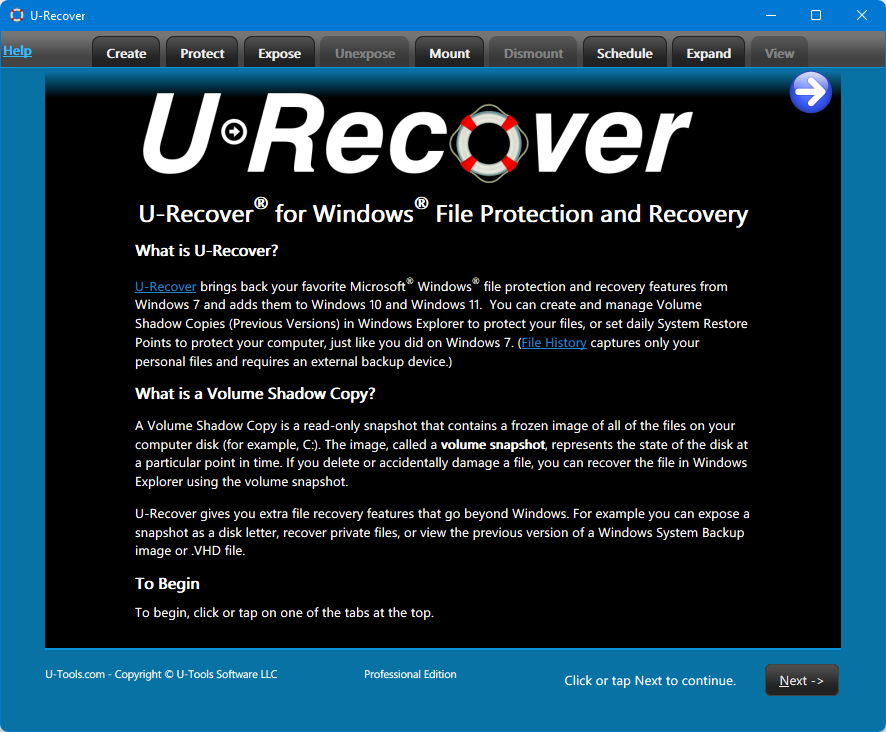
U-Recover brings back your favorite Microsoft® Windows® file protection and recovery features from Windows 7 and adds them back to Windows 10 and Windows 11. It lets you create and manage Volume Shadow Copies (Previous Versions) of your files inside of Windows Explorer just like you did on Windows 7.


Why U-Recover?
Microsoft replaced Volume Shadow Copies with File History. File History captures only your personal files and requires an external backup device.
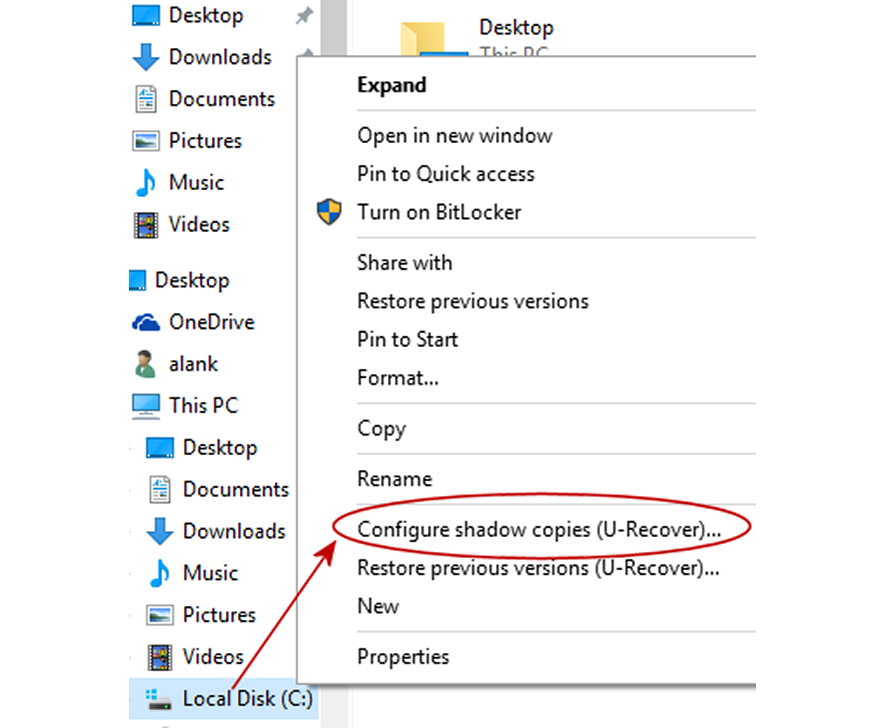
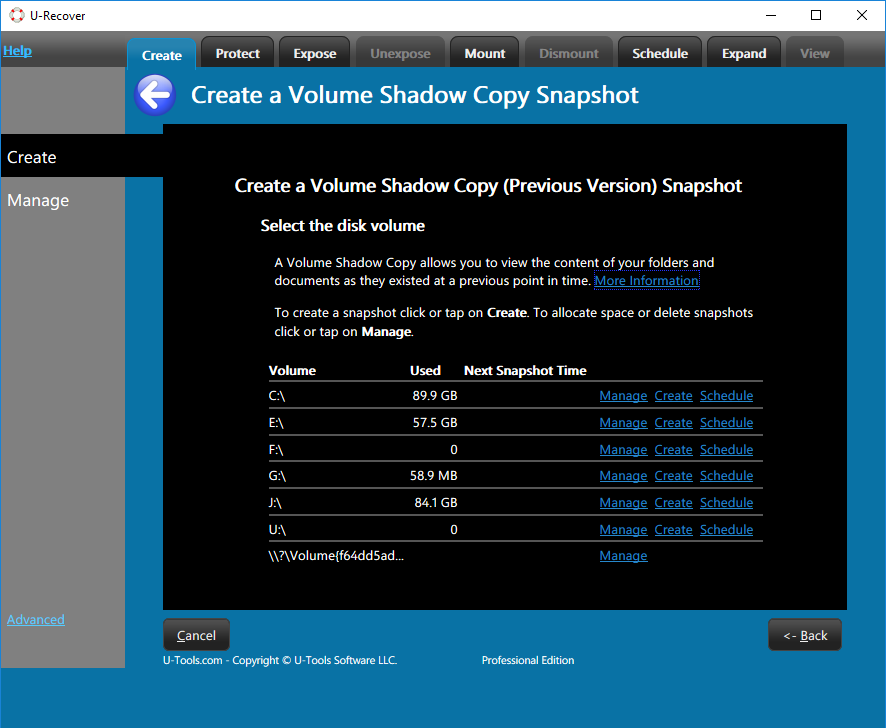
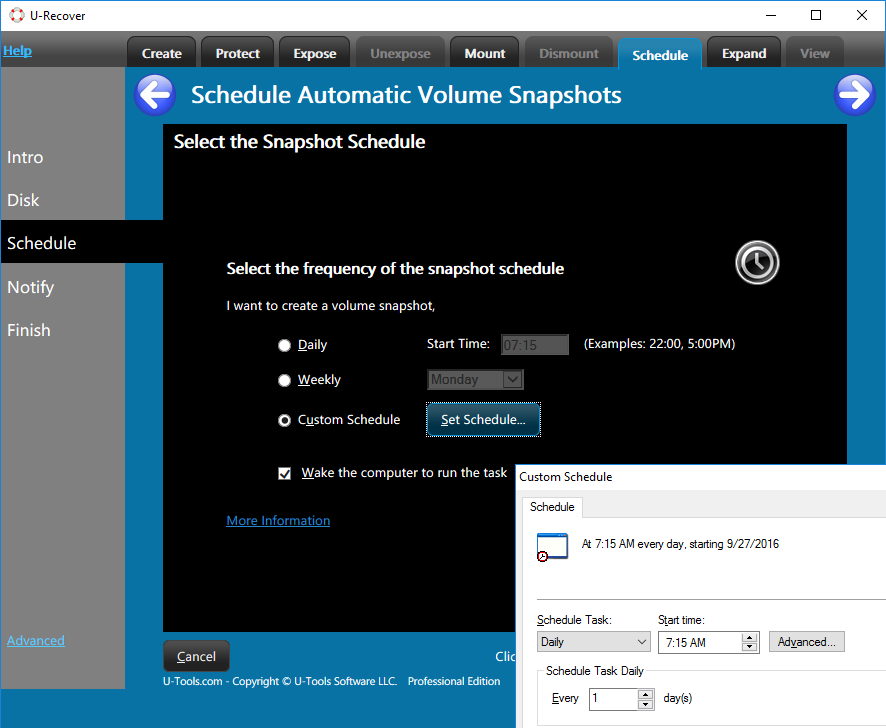
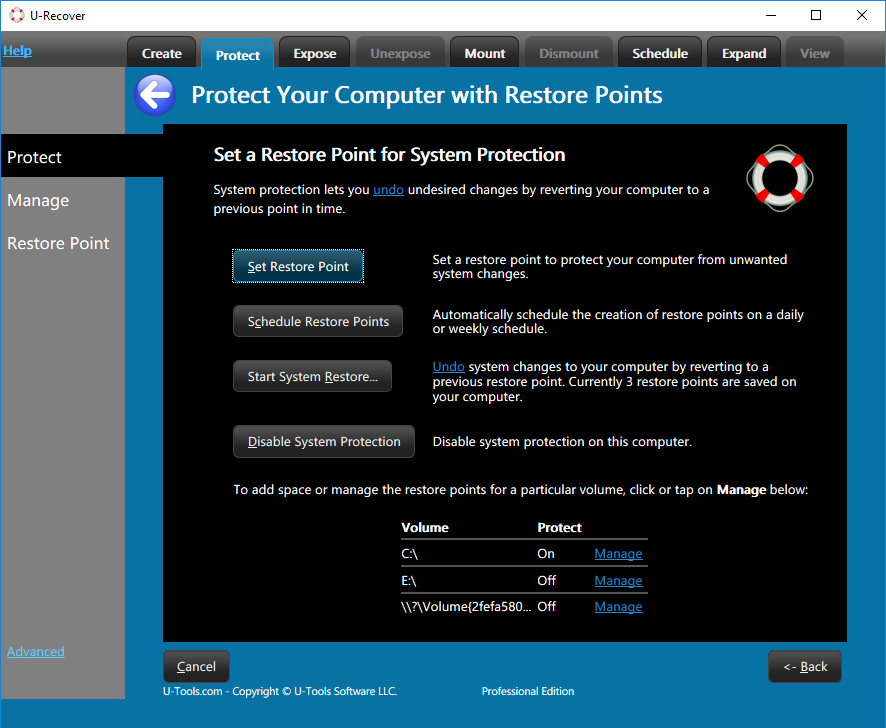
U-Recover gives you the ability to create and configure shadow copies in Windows Explorer on Windows 10 and Windows 11 so that you can save old versions of your files. It also brings back the ability to schedule the creation of automatic daily snapshots or daily system restore points.
Advanced File Recovery
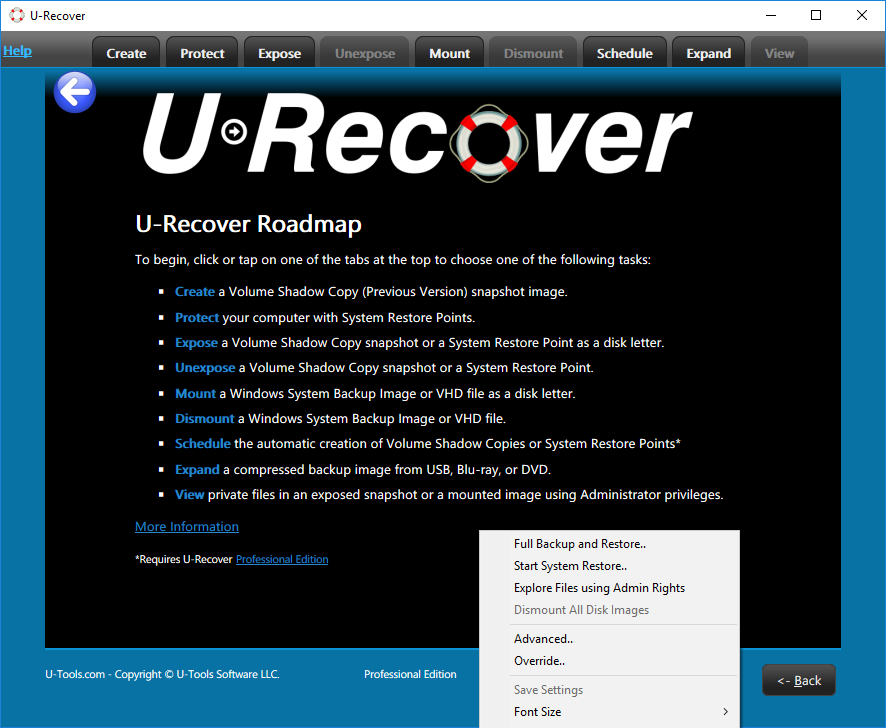
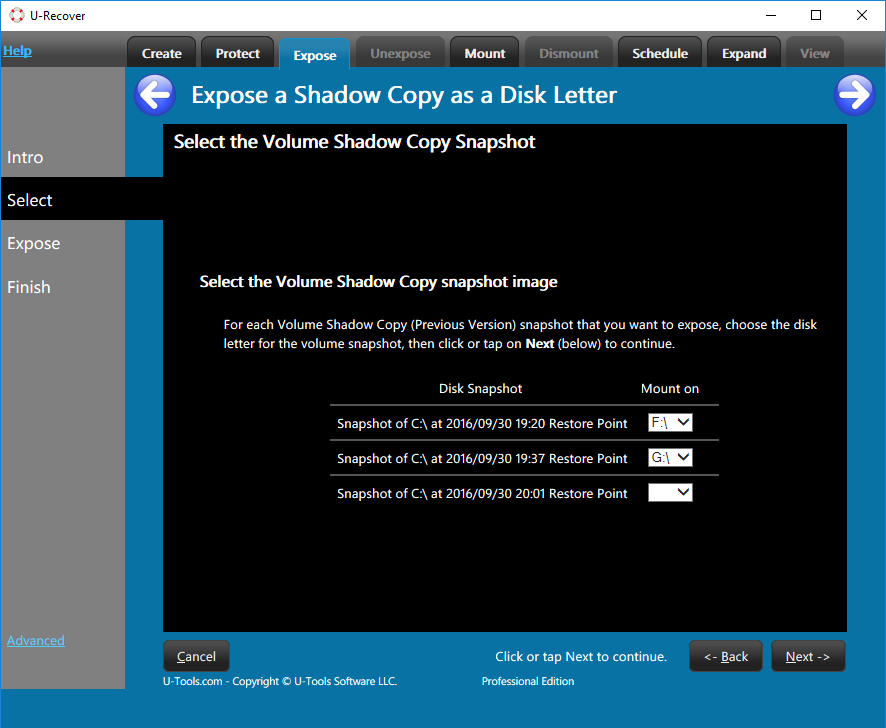
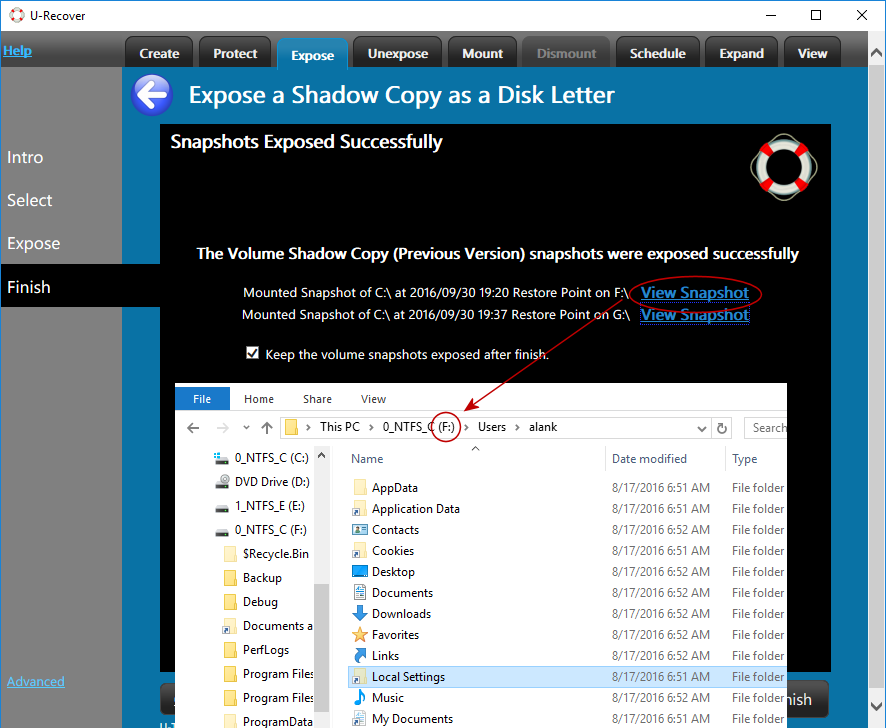
U-Recover gives you extra file recovery features that go beyond Windows. For example, you can expose a snapshot or a restore point as a disk letter in order to browse, search, or copy the files within it. Because the snapshot is just another disk letter you can access all of the private files within it using your administrator rights.
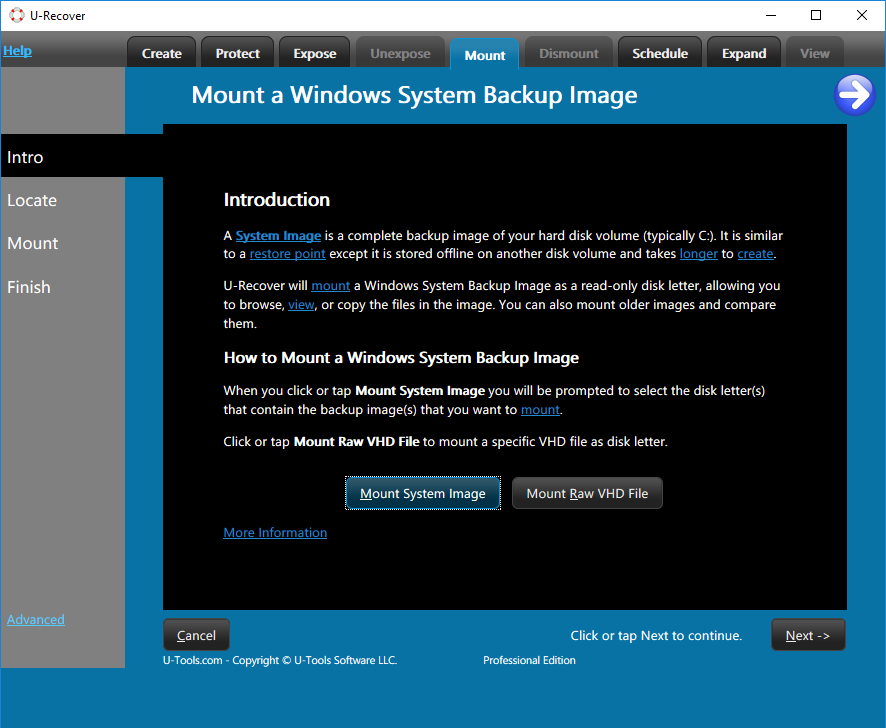
With U-Recover you can also mount a Windows System Image Backup as disk letter, including a compressed image, and browse it with full administrator rights.
U-Recover Pro
U-Recover Pro gives you even more features for the enterprise. These include installing the software on demand, scheduling the automatic creation of snapshots or restore points (with e-mail alerts), and automating U-Recover to run using scripts or with Group Policy.
Feature Comparison
| Feature | Win 7 | Win 11 | U-Recover Free |
U-Recover Pro |
| Create shadow copies (Previous Versions) in Windows Explorer | Yes | Yes | Yes | |
| View shadow copies (Previous Versions) in Windows Explorer | Yes | Yes | Yes | Yes |
| Manage shadow copies | Yes | Yes | Yes | |
| View private files in shadow copies | Yes | Yes | ||
| View files in a Windows System Backup Image | Yes | Yes | ||
| Expose shadow copies, restore points, or image backups as a disk letter | Yes | Yes | ||
| Schedule shadow copies | Yes | Yes | ||
| Schedule restore points | Yes | Yes | ||
| Get e-mail alerts | Yes | |||
| Run using scripts | Yes | |||
| Run using Group Policy | Yes |
Running Windows Server? See U-Move for Active Directory.
What's New
Announcing Active Directory Consulting and Repair Service
U-Tools Software is pleased to announce the Active Directory Consulting and Repair Service, where we will help you diagnose and fix problems with your Active Directory database. The service includes the...
Read MoreAnnouncing U-Move Version 2.9
U-Tools Software is pleased to announce the release of U-Move Version 2.9 for Microsoft Active Directory. Version 2.9 adds support for the U-Tools Active Directory Recovery Service, where we will run U-Move...
Read MoreU-Move Reviewed in ADMIN Magazine
U-Move received an in-depth review of its features in ADMIN Magazine.
Read MoreWhat is File History?
Microsoft introduced a new method for tracking changes to files called File History. File History copies your personal files to an external physical storage device (e.g., a USB thumb drive) or to a cloud service.
For a detailed point-by-point comparison of File History vs U-Recover see File History compared with U-Recover.
Example Uses
- Recover user documents and files from inside a system restore point.
- Mount a System Image and compare it with the running system.
- Access the previous version of a Virtual Hard Disk (VHD or VHDX file).
Requirements
U-Recover supports the following Windows operating systems:
| Windows 11 | Yes |
| Windows 10 | Yes |
| Windows 8.1 | Yes |
| Windows 8 | No |
For details see Requirements.
More Information
For more information see the help documentation.
You can download the free edition of U-Recover for personal home use.
U-Recover Pro Edition offers flexible license options for your organization including bulk discounts for multiple copies.